Simple Habits That Protect Your Personal Information Online
You do not need to be technical to be well protected. A handful of steady habits closes most of the doors that criminals rely on.
Key takeaways
- Protect your email account first, since password resets for almost everything else are sent there.
- Use a different password for every important account. A password manager makes that practical.
- Turn on two-step verification for email, banking and shopping, and never share the codes it sends you.
- Install updates promptly, share less by default, and review your credit reports regularly.
Start with your email account
If you only have time to protect one account today, make it your email. Password resets for your bank, shopping sites and social media are usually sent there, so whoever controls your inbox can often take over everything else. Give your email a strong, unique password, turn on two-step verification, and check that the recovery phone number and backup email address are current and belong to you.
Use unique passwords, and let a manager remember them
One of the most common ways accounts are broken into is password reuse. When a website suffers a data breach, criminals try the leaked email and password combinations on other popular sites. If you reuse a password, one breach can unlock several of your accounts.
A strong password is long and unique. Length matters more than complexity, so a passphrase of four or five unrelated words is both stronger and easier to type than a short string of symbols. Nobody can remember dozens of these, which is where a password manager helps. It stores your passwords in an encrypted vault, fills them in for you and can generate new ones. Many phones and browsers include one, and standalone options exist too. Protect the manager itself with a strong main password and two-step verification.
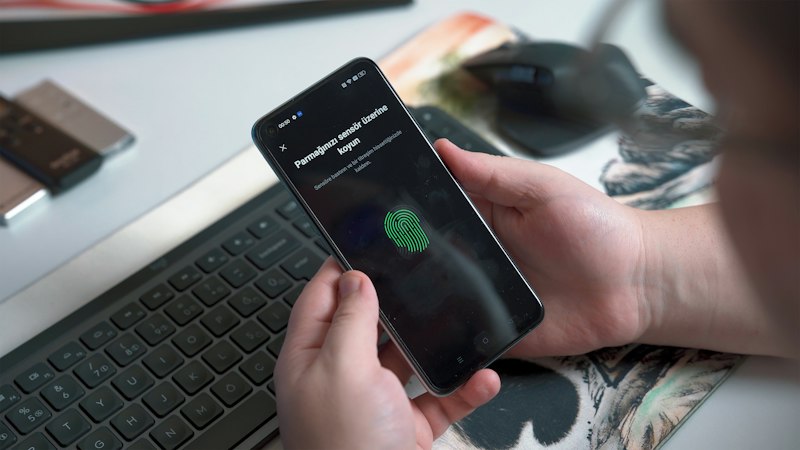
Where a site offers passkeys, consider using them. A passkey lets you sign in with your device’s fingerprint, face scan or screen lock instead of a password, and it cannot be typed into a fake website.
Turn on two-step verification
Two-step verification, also called multi-factor authentication, asks for something beyond your password, such as a code from an app or a prompt on your phone, before letting anyone in. Even if your password leaks, a criminal usually cannot get past the second step. Turn it on for email, banking, shopping, social media and any account that stores payment details.
An authenticator app or a physical security key offers stronger protection than codes sent by text message, but a text code is still far better than nothing. Whatever method you choose, never share a code with anyone who contacts you. Real companies do not call to ask for it.
Keep your devices and apps up to date
Software updates are not just new features. They regularly fix security weaknesses that criminals already know how to use. Turn on automatic updates for your phone, computer, web browser and apps, and restart when prompted. Remove apps you no longer use, since each one is something else to keep current. If a device is so old that it no longer receives security updates, consider limiting what you do on it, especially banking and shopping.
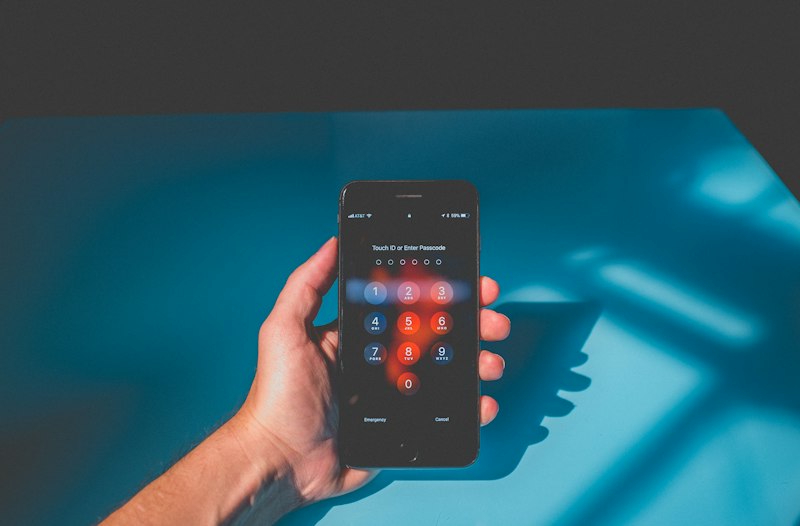
Lock your phone with a passcode, fingerprint or face scan, and set it to lock automatically after a short time. A lost, unlocked phone can give someone access to your email, messages and saved passwords.
Share less, on purpose
Details that seem harmless on their own can be pieced together. Your full birth date, hometown, pet’s name, high school and mother’s maiden name are common answers to security questions. A few habits help:
- Review the privacy settings on each social media account so that only people you know can see your posts and personal details.
- Post vacation photos after you get home rather than while you are away.
- Give made-up but memorable answers to security questions, and store them in your password manager.
- Check which apps can see your location, contacts, camera and microphone, and turn off anything that is not needed.
- Ask why a business needs your Social Security number before giving it. Often it does not.
Be thoughtful on public Wi-Fi
Most websites now encrypt the connection between you and the site, which you can see as “https” and a lock icon in the address bar. That protects what you send, but it does not mean the site itself is trustworthy, since scam sites can have a lock too. On public Wi-Fi in a café, airport or hotel, avoid signing in to sensitive accounts when you can. Your phone’s mobile data or a personal hotspot is generally a safer choice for banking or shopping on the go.
Keep an eye on your accounts and credit
Catching a problem early makes it much easier to fix. Turn on alerts with your bank and card issuers so you are notified of purchases, withdrawals and password changes. Read your statements each month, including small charges, because criminals sometimes test a stolen card with a tiny purchase first.
Review your credit reports from Equifax, Experian and TransUnion. AnnualCreditReport.com is the official site for free reports from all three, and the bureaus currently offer them free every week. Look for accounts or inquiries you do not recognize.
If you are not planning to apply for credit soon, consider a credit freeze. A freeze stops most lenders from viewing your credit report, which makes it much harder for someone to open a new account in your name. Placing and lifting a freeze is free under federal law, and you can lift it temporarily when you need to apply for credit. You need to contact each of the three bureaus separately.
Do not forget paper
Not all personal information lives online. Shred documents that show account numbers, your Social Security number or medical details before throwing them away, collect your mail promptly, and consider paperless statements if your mailbox is shared or unsecured.
Helpful official resources
These official sites are the best places to confirm current rules and to report problems. IntelliReply is not affiliated with any of them.
- AnnualCreditReport.comannualcreditreport.com
- Federal Trade Commission: Consumer Adviceconsumer.ftc.gov
- Consumer Financial Protection Bureauconsumerfinance.gov
This guide is general educational information, not legal or financial advice. Rules can change and may differ by state, so check the official sources above for the latest details. Spotted something that needs correcting? Let us know.